YouTube is aggressively pushing into the co-streaming space by expanding its Watch With live stream feature. This allows mobile creators to broadcast live reactions alongside other creators' streams, creating a massive opportunity for brand collaborations and organic spillover reach. However, managing these high-speed partnerships requires an autonomous system to handle the outreach and strategy execution.
The Mechanics of "Watch With"
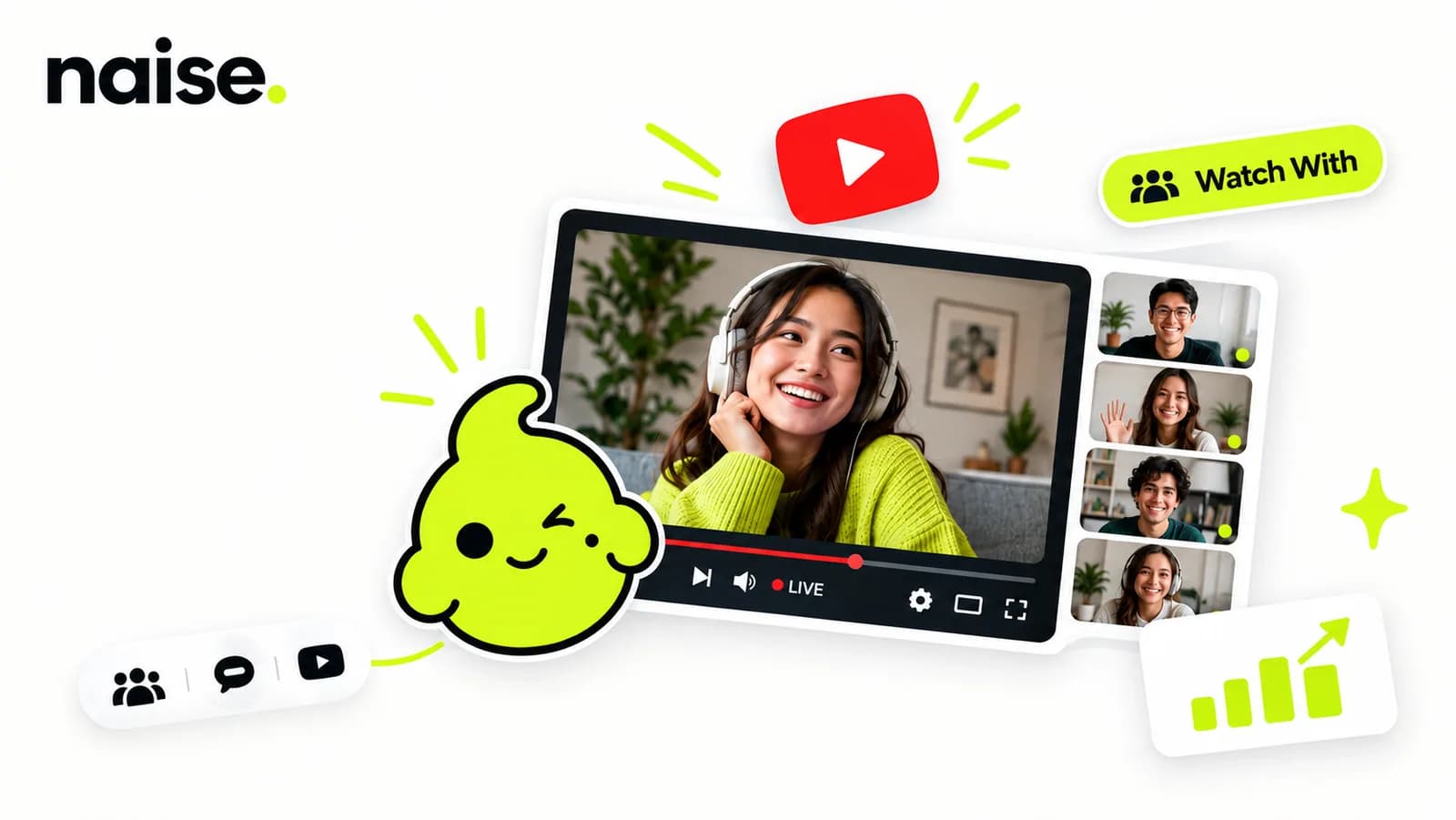
The Watch With feature allows eligible mobile creators to tap a "React live" button on a source stream, instantly broadcasting their own horizontal camera view alongside the original content in a combined vertical stream.
The days of solitary live streaming are rapidly ending. YouTube is actively testing the expansion of the Watch With feature, a move designed to keep viewers engaged longer by blending the original broadcast with real-time creator commentary. This is a direct play to capture the massive "reaction video" market and bring it into a live, interactive environment.
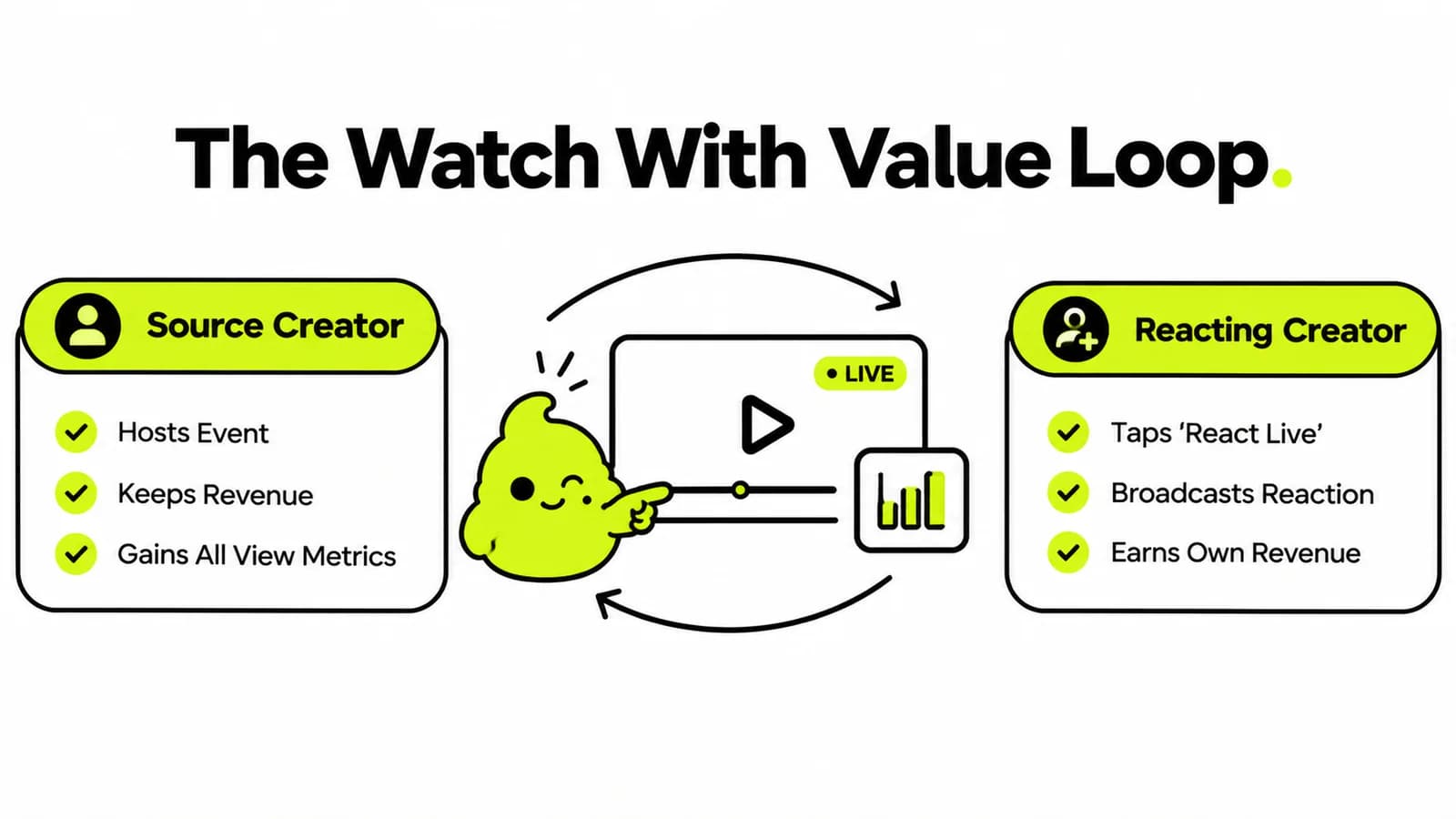
For creators in the experiment group, the process is seamless. While viewing an eligible stream on a mobile device, a "React live" button appears in the Share panel. Tapping this instantly locks the phone camera into a horizontal orientation, combining the reaction feed with the source video into a single vertical stream for viewers. Crucially, reacting creators can still earn revenue from these streams as they normally would.
This creates a highly dynamic viewing experience. A user isn't just watching a product launch or a gaming event; they are watching their favorite creator experience that event in real-time. For marketing managers, this means the potential reach of any live event is no longer limited to the brand's immediate audience.
Recent 2026 data indicates that live content generates 27% higher minute-by-minute watch time than prerecorded content, while the average live-viewing session lasts 25.4 minutes—approximately 34% longer than the average prerecorded-video session of around 19 minutes. Although these figures compare live content with prerecorded video rather than directly comparing reaction streams with solo broadcasts, they provide a useful benchmark for the engagement potential of interactive, real-time formats.
The Value for Source Creators (And Brands)
Source creators do not share revenue with reacting creators, but they receive all the concurrent viewership metrics, public views, and watch time generated by the reaction streams.
If you are a brand hosting a major live stream—like a product reveal or a Q&A—the expansion of this feature is an incredible asset. You might assume that allowing other creators to react live would cannibalize your audience or dilute your metrics. YouTube has structured the incentive model to ensure the exact opposite happens.
If you are the source creator, you continue to earn revenue from your streams as normal; revenue from the reactions is not shared. The massive benefit, however, lies in the data. All the concurrent viewership metrics, public views, and watch time generated by every single reaction stream are attributed back to your original content.
This means a mid-sized brand can host a live event, encourage dozens of niche creators to use the "React live" feature, and aggregate all of that decentralized watch time into their own channel metrics. It is essentially free, decentralized distribution. While eligible streams are opted in by default, brands retain control and can switch the setting to "No one" in the mobile metadata editor if they prefer a closed broadcast.
Structuring a Co-Stream Campaign
To maximize the Watch With feature, brands must proactively identify relevant creators, pitch them the live event, and coordinate the reaction timing to ensure maximum simultaneous viewership.
Understanding the technical feature is only step one. The real challenge for an overworked marketing director is execution. You cannot just go live and hope that top-tier creators stumble across your stream and decide to react. You have to build a campaign around it.
A successful co-streaming strategy requires treating the Watch With live stream feature like an influencer activation. You need to identify creators whose audience aligns with your target ICP. You must reach out to them in advance, provide them with the event schedule, and perhaps even offer talking points or exclusive context to make their reaction stream more valuable to their viewers.
The goal is to orchestrate a "moment." If you can get five relevant creators reacting to your product launch simultaneously, you dominate the algorithm's discovery feed for that specific hour. The problem? Manually researching these creators, drafting the outreach emails, and managing the scheduling is a logistical nightmare for a lean team.
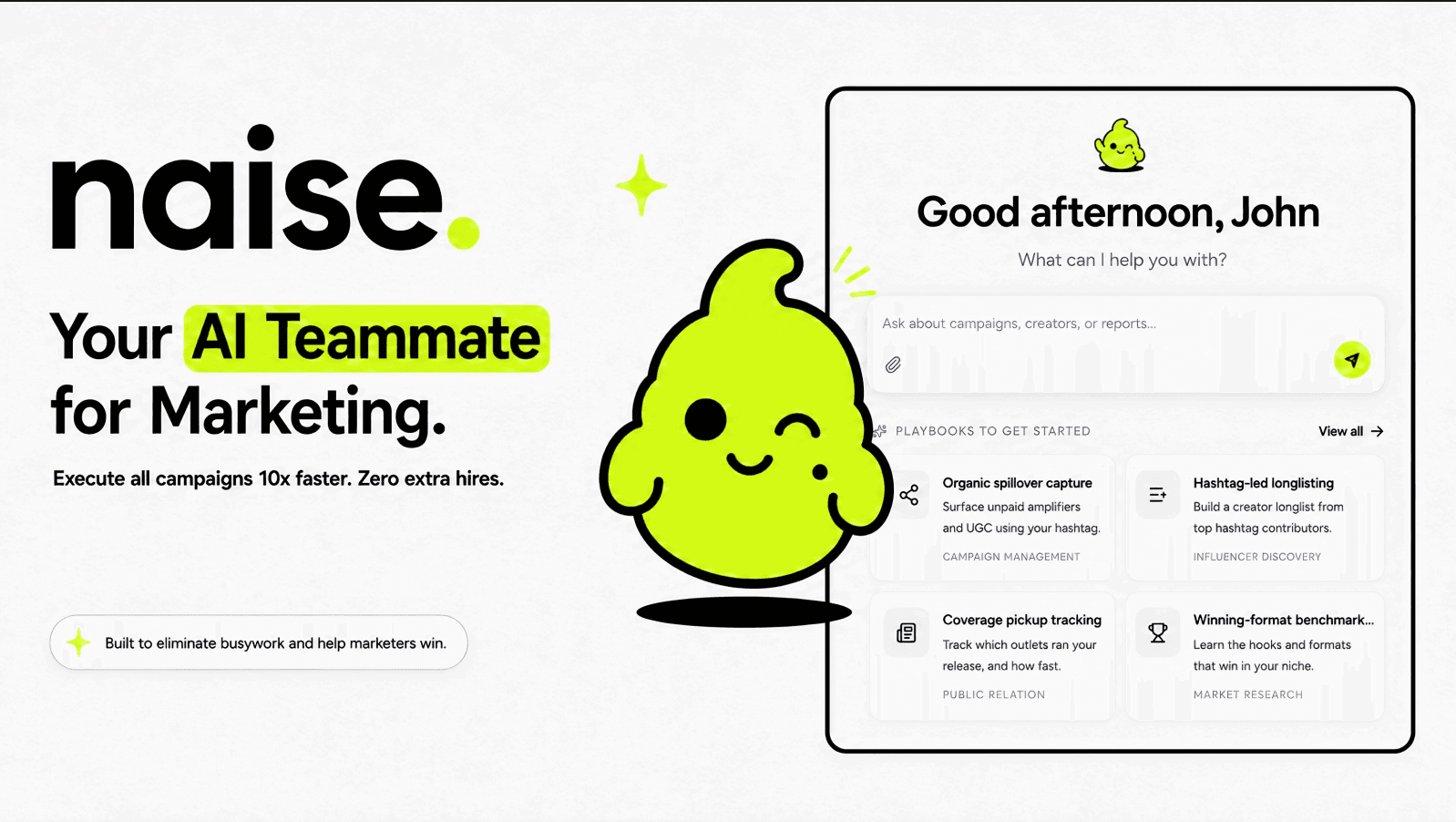
Automating Outreach with Naise AI
Naise AI eliminates the manual labor of coordinating co-stream campaigns by using the PR Agent to autonomously identify relevant creators and draft personalized outreach pitches.
This is where the traditional, fragmented marketing stack falls apart. If your team is spending hours manually building spreadsheets of potential co-streamers and copy-pasting email templates, you are wasting valuable strategic time on administrative grunt work.
You don't need a larger team; you need an autonomous operator. This is exactly how Naise AI transforms a complex co-streaming strategy into a frictionless workflow.
Instead of manually hunting for creators to react to your next live event, you let the PR Agent handle the heavy lifting. Here is how you orchestrate a massive Watch With campaign in minutes:
Lock in the Event Context: Upload your live stream agenda and brand guidelines to your Projects folder. Naise instantly understands the event's goals and target audience.
Open the Dashboard: Navigate to the central command and select the "Influencer Discovery" Playbook.
Deploy the PR Agent: Instruct the agent to find mobile-first creators in your specific niche. The agent bypasses vanity metrics, filtering for creators with high authentic engagement who are likely to utilize the reaction feature.
Automate the Pitch: The PR Agent then autonomously drafts personalized, formatted media pitches inviting these creators to co-stream your event, ready for your approval.
You review the list, approve the pitches, and clock out on time, knowing your decentralized distribution strategy is in motion.
The expansion of YouTube's Watch With feature fundamentally changes how brands should approach live streaming. It shifts the focus from building a single, massive audience to coordinating a decentralized network of creators. However, capitalizing on this requires speed and precision in your influencer outreach. Stop drowning in spreadsheets and manual emails. Let our autonomous agents handle the coordination so you can focus on delivering a great live event.
FAQs
What is the YouTube Watch With feature?
The Watch With feature allows eligible mobile creators to broadcast their own live reactions alongside another creator's live stream. The two feeds are combined into a single vertical stream for viewers.
Can creators earn money using the Watch With feature?
Yes. Reacting creators can earn revenue from their reaction streams as they normally would. The revenue is not shared with the source creator.`
Do source creators lose views when others use Watch With?
No. While the source creator does not share in the revenue generated by the reaction stream, all concurrent viewership metrics, public views, and watch time from the reactions are attributed back to the original source content.
How can marketers utilize the Watch With feature?
Marketers can use this feature by proactively partnering with relevant creators, encouraging them to use the "React live" button during brand events or product launches, effectively using decentralized creators to multiply their reach and aggregate total watch time.
How do I create a live stream on mobile?
To live stream on mobile devices (Android 8.0+ or iOS 8+), you must have at least 50 subscribers, a verified channel, and no live streaming restrictions within the last 90 days. After turning on live streaming, you may need to wait 24 hours before your first broadcast.