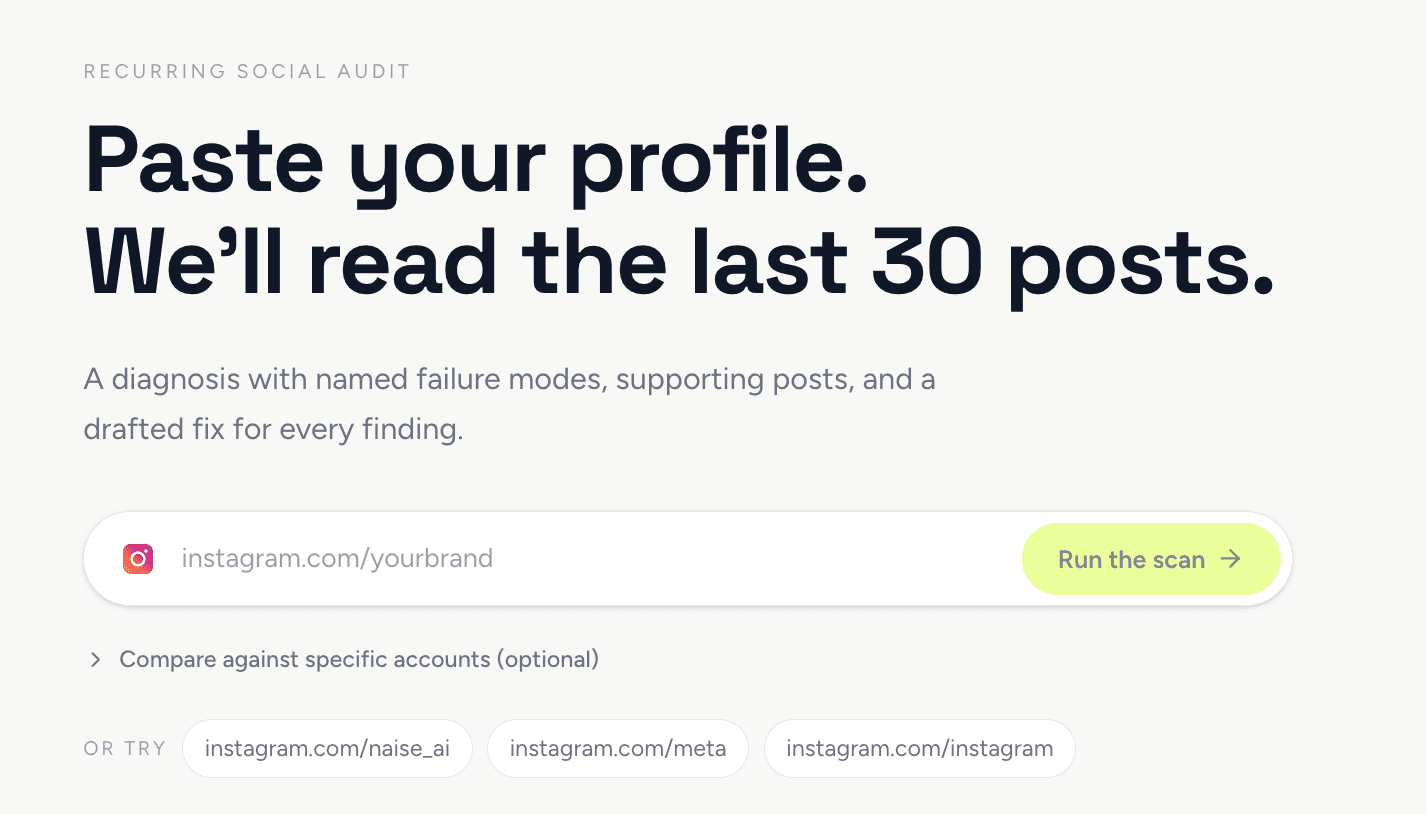
Thanks to artificial intelligence, social media audits no longer take days to complete. By using Naise AI, you can instantly extract deep, actionable insights from your Instagram account. This guide will show you how to leverage the Social Audit feature to evaluate your performance, benchmark against competitors, and immediately delegate campaign execution to autonomous digital agents.
Why a Social Media Audit is the Key to Organic Growth
A proper social media audit helps you identify gaps in your content strategy and understand audience preferences mathematically.
The daily grind of a marketing manager is often packed with exhausting, repetitive tasks. You likely spend hours each week compiling analytics reports manually or trying to pinpoint exactly why a specific post tanked. This traditional approach is a fast track to burnout because it keeps you trapped in manual execution rather than high-level strategy. Today, successful Social Media Marketing requires speed, agility, and instant adaptation.
Recent agency benchmarks indicate that marketers can spend approximately 13–19% of their monthly working time on manual reporting and analytics activities—equivalent to roughly 20–30 hours per client each month. This time typically includes extracting data, analyzing performance, creating reports, writing commentary, and conducting internal reviews.
Evaluating your account needs to evolve from gut feelings to an exact science. Dissecting conversion data, studying viral trends, and maintaining a consistent brand voice across multiple clients usually requires a fragmented stack of expensive tools. Without a centralized operational system, your team risks churning out content without a clear roadmap. You need an autonomous assistant capable of processing these heavy variables in seconds.
To solve this operational headache, we built the Social Audit feature directly into the integrated Naise AI ecosystem. This comprehensive diagnostic tool reads your last thirty posts and automatically grades your Instagram account's performance. We cut out the slow manual work so you can immediately turn fresh data into winning campaigns.
Step 1: Dissecting Your Account's Five Performance Pillars
This diagnostic tool grades accounts based on five main pillars: content, creative, profile, engagement rate, and publishing consistency to pinpoint areas for improvement.
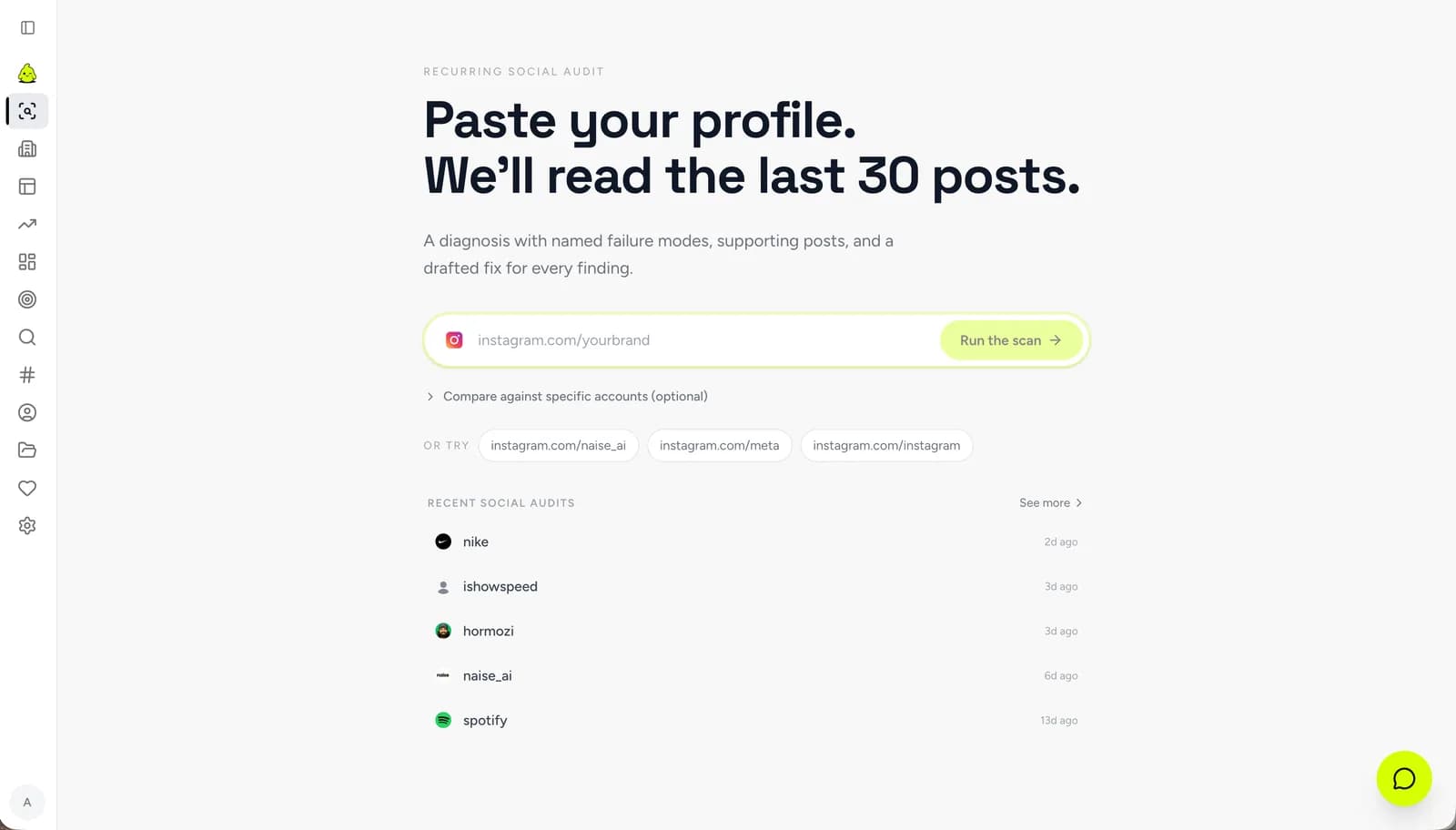
Kicking off your first scan has zero friction. You simply paste your Instagram profile URL or username into the input field, with the option to drop in competitor profiles at the same time. Our system then processes your recent feed to generate both qualitative and quantitative assessments. No spreadsheets required.
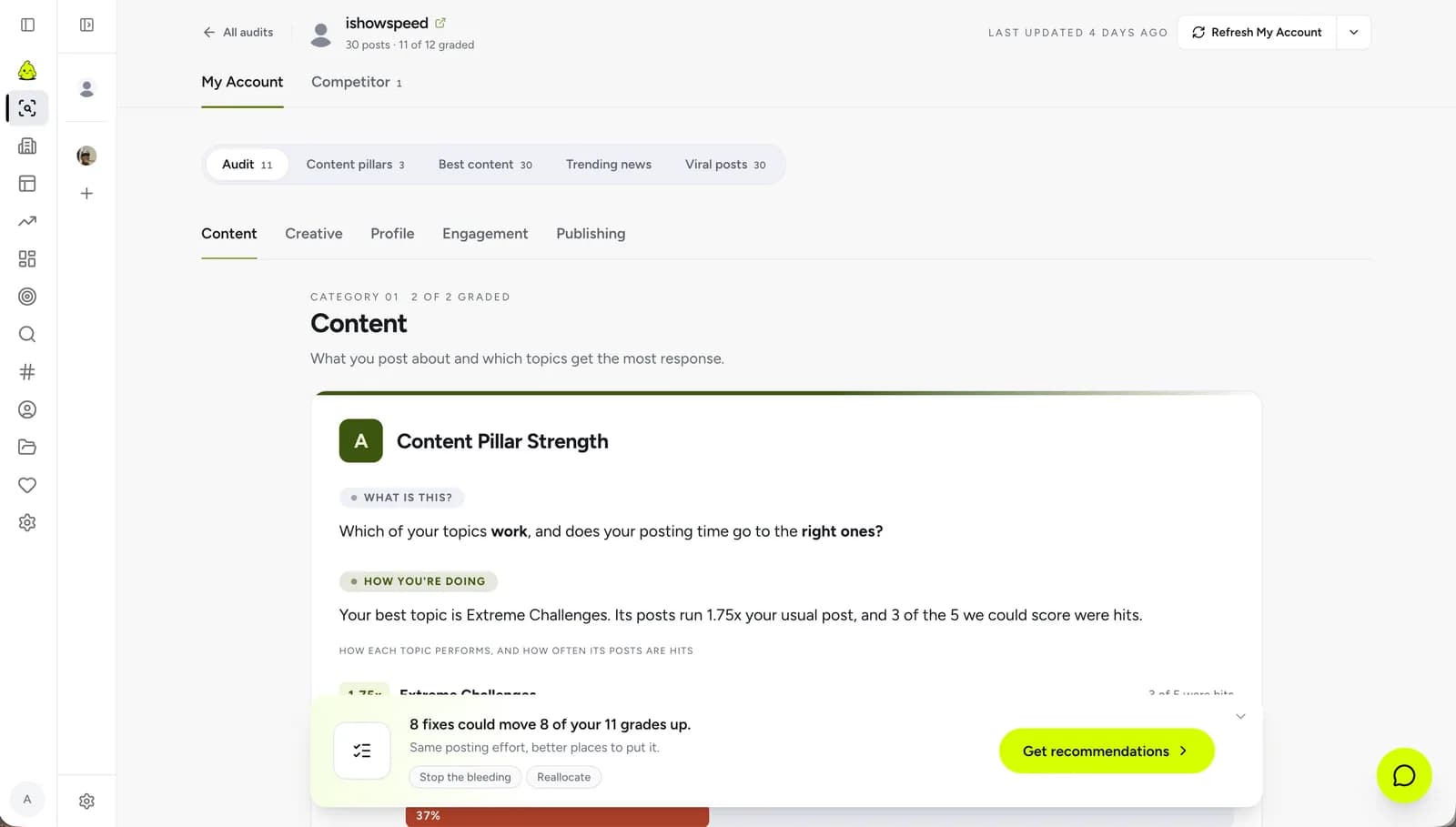
Once the scan wraps up, the Social Audit Section screen presents an overall grade (like an A, C, or F) for your account. To give you exactly what you need to fix, the system breaks down your performance into five distinct pointers:
Content: Evaluates the strength of your main topics. The AI checks if the topics you post about most frequently actually align with the topics that generate the most positive response from your audience.
Creative: Analyzes your format fit. It measures whether you are maximizing the specific formats—like Reels or image carousels—that mathematically work best for your unique followers.
Profile: Conducts five crucial clarity checks. This evaluation ensures your bio, display name, and niche are highly specific and truly reflect your actual content output.
Engagement: Measures your conversion metrics. It compares your engagement rates against industry standard averages so you know exactly where you stand.
Publishing: Monitors your upload rhythm. It reviews your post consistency over the past twelve weeks to ensure you are maintaining a reliable schedule.
Step 2: Exploring Content Topics and Mapping Viral Trends
Content mapping visualizes your best-performing pillars, while the exploration feature curates the latest news and trending cross-platform content.
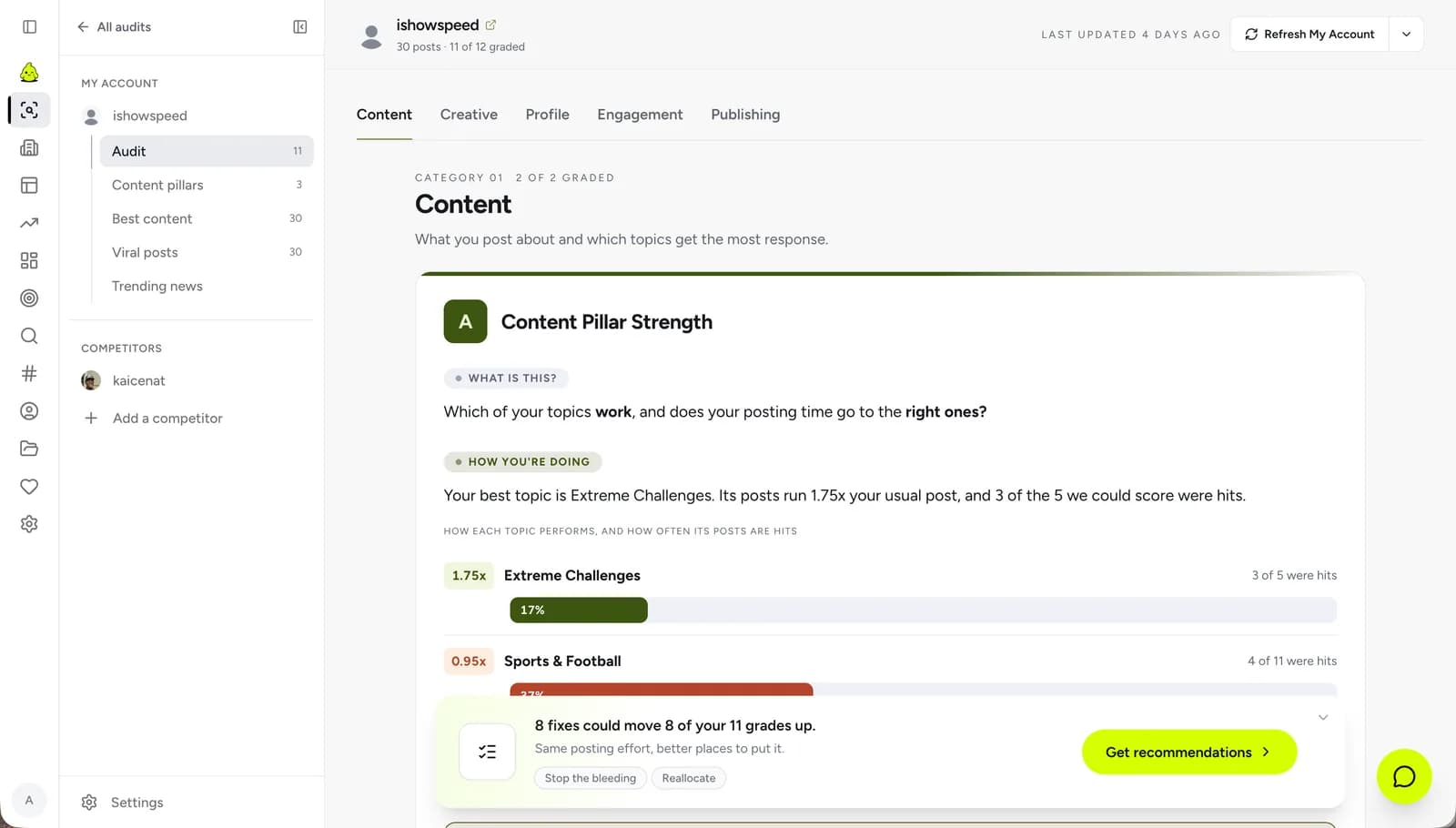
Knowing your baseline score is a great start, but winning today's algorithms requires digging deeper. The Content Pillars tab allows you to do just that. Instead of guessing what works, this dashboard visually dissects your data to help you build a Content Strategy rooted in historical performance.
To help you map out your next moves, this section is broken down into four powerful exploration tools:
Content Pillars: Visually maps out your core discussion topics. By comparing the percentage share of your feed against median interactions, you can instantly see which topics are top performers and which are dragging your account down.
Best Content: Ranks all of your scanned posts on a clean leaderboard. You can sort this list by views, likes, or comments to easily identify and replicate your authentic winning formulas.
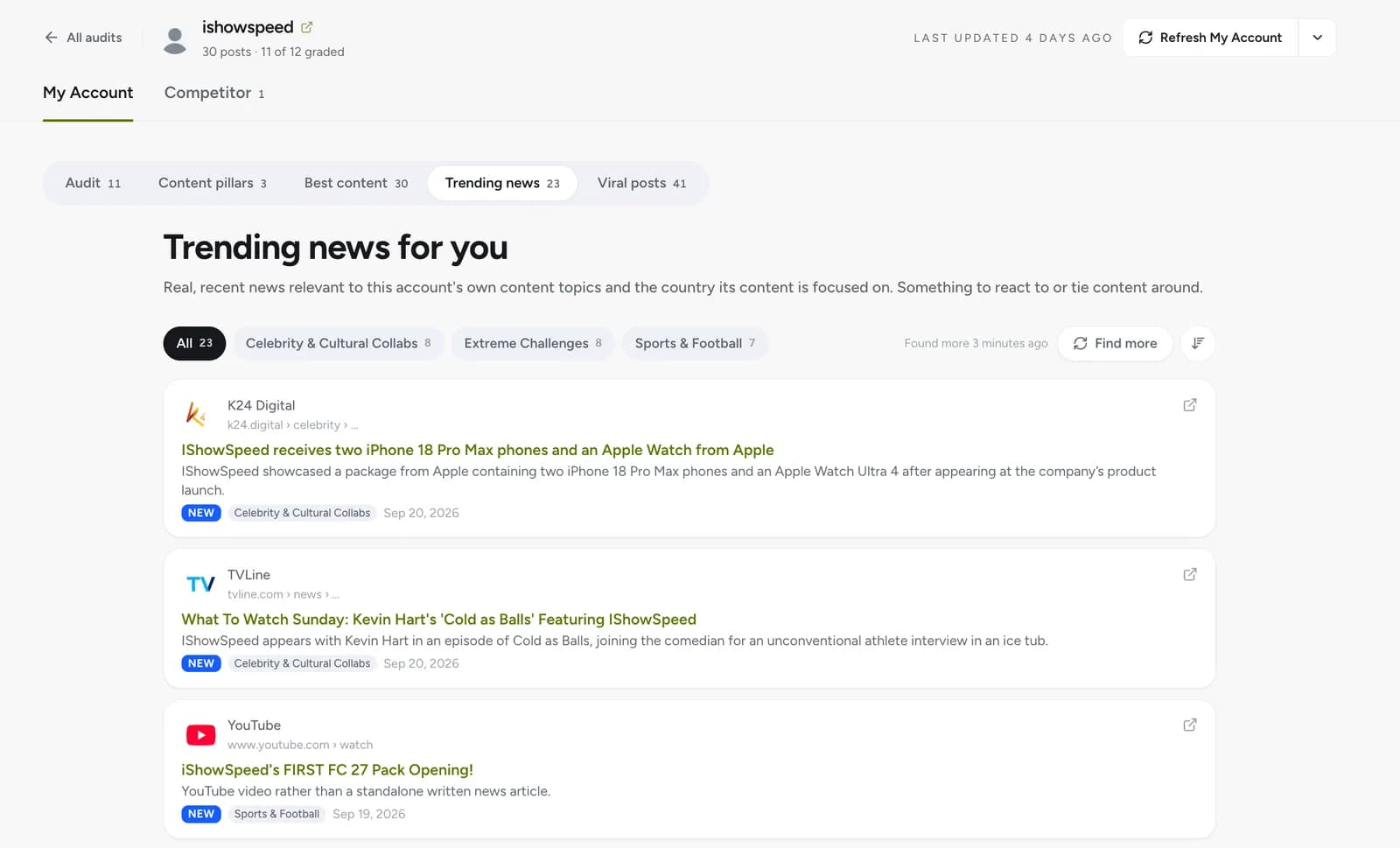
Trending News: Curates real, recent news articles that are highly relevant to your account's strongest pillars. This gives you immediate, real-world topics to react to.
Viral Posts: Scans across TikTok, Instagram, X, and YouTube to find viral content matching your niche. You can filter these trends by specific timeframes to ensure your campaigns never lose cultural relevance.
Step 3: Benchmarking Against Competitor Strategies
This feature directly dissects opponent accounts to measure the effectiveness of their opening hooks, content format variety, and publishing frequency.
Every competitive agency knows that monitoring opponent movements is non-negotiable. Through the competitor comparison tab, you can pit your account head-to-head against a rival to uncover structural differences in your strategies. This tool goes far beyond just counting follower growth; it highlights the secret tactical maneuvers you might have missed.
Recent data shows that if the opening hook on social media fails to grab attention, viewer retention drops by up to 40% in the first 3 seconds, with roughly 65% of viewers deciding to scroll away immediately.
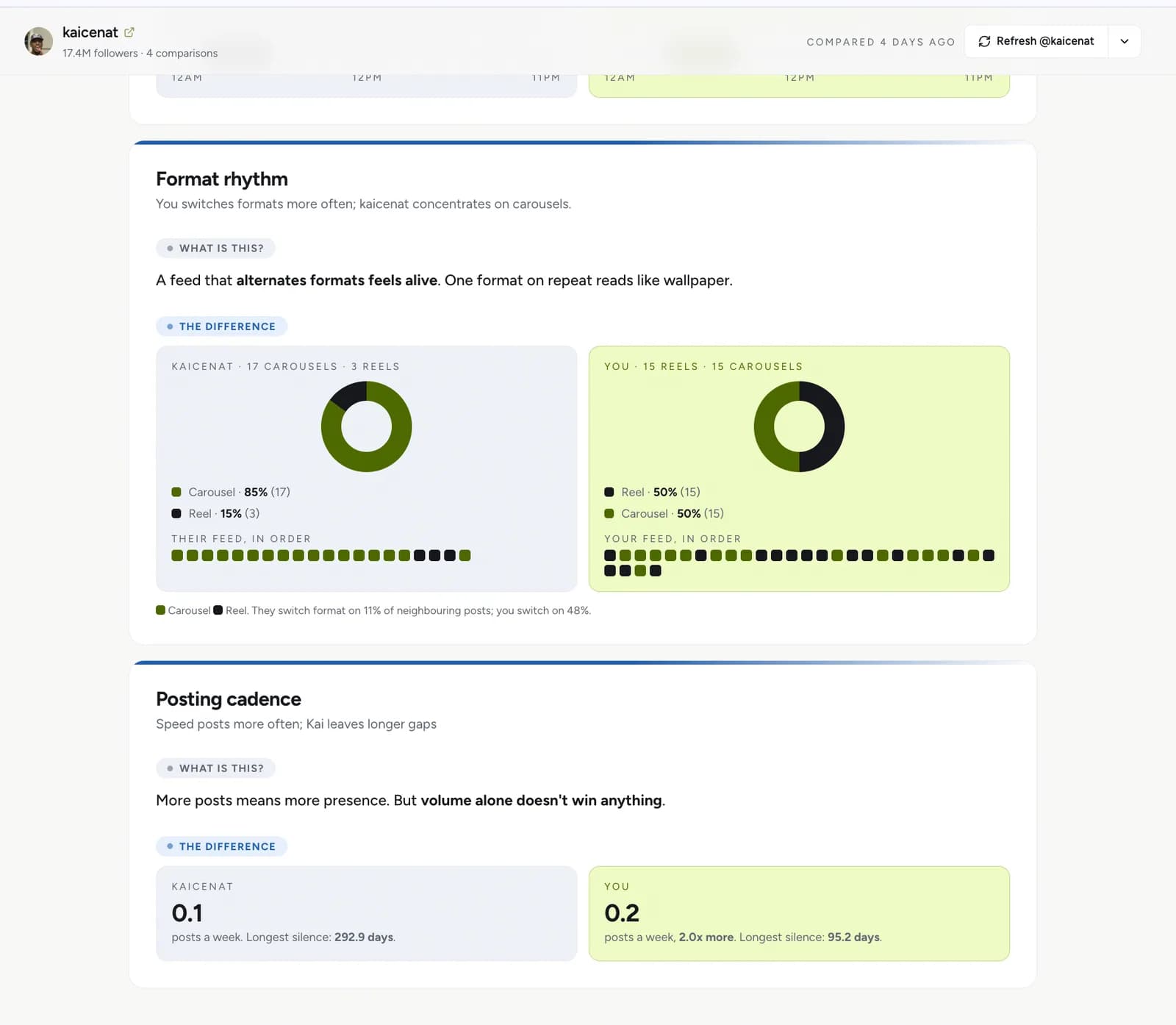
The first analysis in this section focuses on opening hooks. The system intelligently measures who between you and your competitor is faster at stopping users mid-scroll. Next, the AI reviews format rhythm, showing exactly how often an account switches between Reels and carousels to prevent audience feed fatigue.
Finally, the scan compares the raw posting volume of both accounts side-by-side. It even logs the longest gaps of silence between publishing dates. Armed with the insights from the Competitor Comparison screen, you can instantly upgrade your Competitor Analysis without keeping dozens of browser tabs open.
Step 4: From Insights to Automated Execution with AI
Move the entire audit context into the chat interface, where the digital assistant will immediately create assets, write captions, and schedule your content autonomously.
The true magic of this audit is its ability to turn raw data into instant action. Under the recommendation tab, the system provides step-by-step strategic fixes tailored to your specific goals—like actionable ways to boost your view count. But instead of leaving you to do the heavy lifting, Naise AI takes over the execution.
You simply need to click the button labeled Build this strategy in chat. This instantly transports you into the central command center of your Dashboard, carrying all the memory and context from your audit results. From there, your dedicated SMM Agent kicks into gear, working autonomously in the background to set up your workflow.
Based on the audit data, this agent will generate visual assets, draft caption scripts, plan content series, and queue everything up in the integrated scheduling calendar. Your team no longer has to stress over manually setting broadcast times. Naise AI doesn't just tell you what's wrong with your strategy—it actively helps you fix it on the spot.
Running audits and strategy evaluations shouldn't drain your agency's time and profit margins. With a system that automates the leap from data insights straight to content creation, you can finally clock out on time while still growing your clients' brands aggressively. Drop the fragmented tools, stop wrestling with endless prompts, and let your AI teammate handle the execution.
Start Your Free Naise AI Social Audit Now
FAQs
How long does it take to run a Naise AI social audit?
The entire scanning and evaluation process for your last thirty posts is completed in just a few seconds. This tool completely eliminates the hours of manual data entry usually required to organize performance metrics.
Can I use the social audit metrics to create content directly?
Absolutely. Once you review your results, simply select a recommended improvement and click to launch into the Naise chat interface. All your audit insights are handed off to the autonomous SMM Agent, which immediately drafts text, generates visuals, and schedules your new content.
What metric pillars are evaluated in the audit report?
The Naise AI performance assessment breaks your account down into five critical pillars. These include your content topic strength, profile clarity, creative format fit, publishing consistency, and overall engagement conversion rates.