Why Most Social Media Calendars Fail Your Team
Building an automated social media calendar strategy is essential, yet generic templates completely ignore real-world constraints like review bottlenecks, platform nuances, and the sheer volume of manual work required to hit publish. A truly effective workflow doesn't just list what to post; it dictates how the work actually gets done.
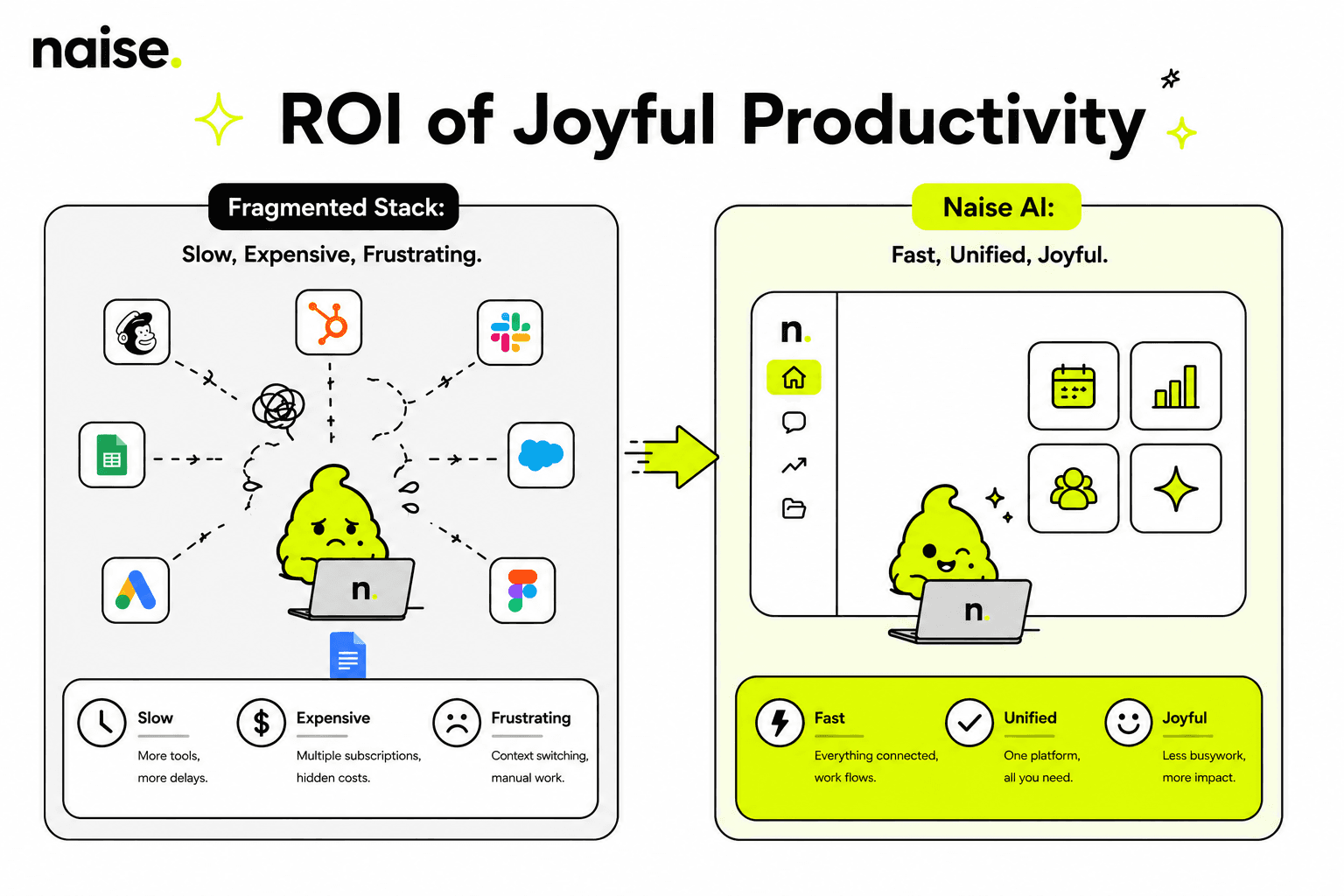
Most marketing advice tells you what fields to include in a calendar. They completely miss the execution reality. You end up with a pretty spreadsheet that requires a massive, fragmented tool stack just to function. You are left copying and pasting text from a drafting doc to an approval sheet, and finally to a scheduling app.
This repetitive busywork drains your team. 26% of marketing workers reporting “AI brain fry,” a form of mental fatigue from overseeing too many AI tools, which is presented as a major productivity hindrance for marketing teams. You need a system that actively does the heavy lifting.
The Missing Link: Choosing the Right Tool Stack
A calendar is useless if you build it in the wrong environment, so you must choose tools that bridge the gap between ideation and publishing.
A static grid cannot handle modern Social Media Marketing. You need a dynamic workspace. Teams often try to hack Google Sheets into a calendar, but it lacks asset management and workflow triggers. Notion offers fantastic database views for the initial planning phases.
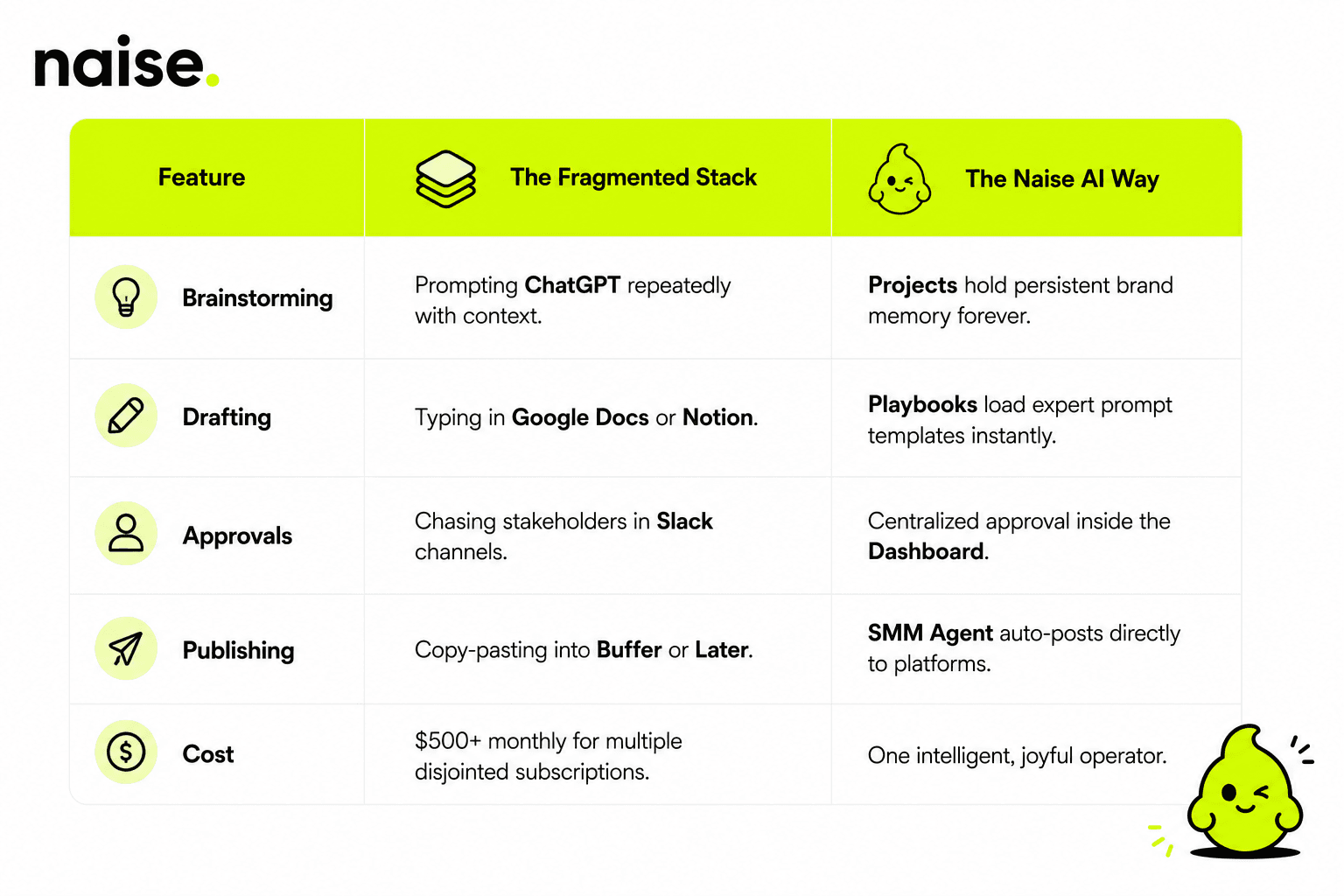
However, moving from planning in Notion to publishing in Sprout Social or Hootsuite creates massive friction. You lose version control during the transfer. This is exactly why an all-in-one ecosystem like Naise AI replaces the chaotic handoff with instant execution.
Platform Nuance and The Content Waterfall
Treat every platform uniquely by stripping a core anchor asset into tailored, native formats using the Content Waterfall method.
You cannot post the exact same asset everywhere. Planning for a video-first platform like TikTok requires a completely different structural approach than a text-heavy network like LinkedIn. A single column for "Post Copy" will not cover a trending audio hook, a visual storyboard, and a B2B thought-leadership hook simultaneously.
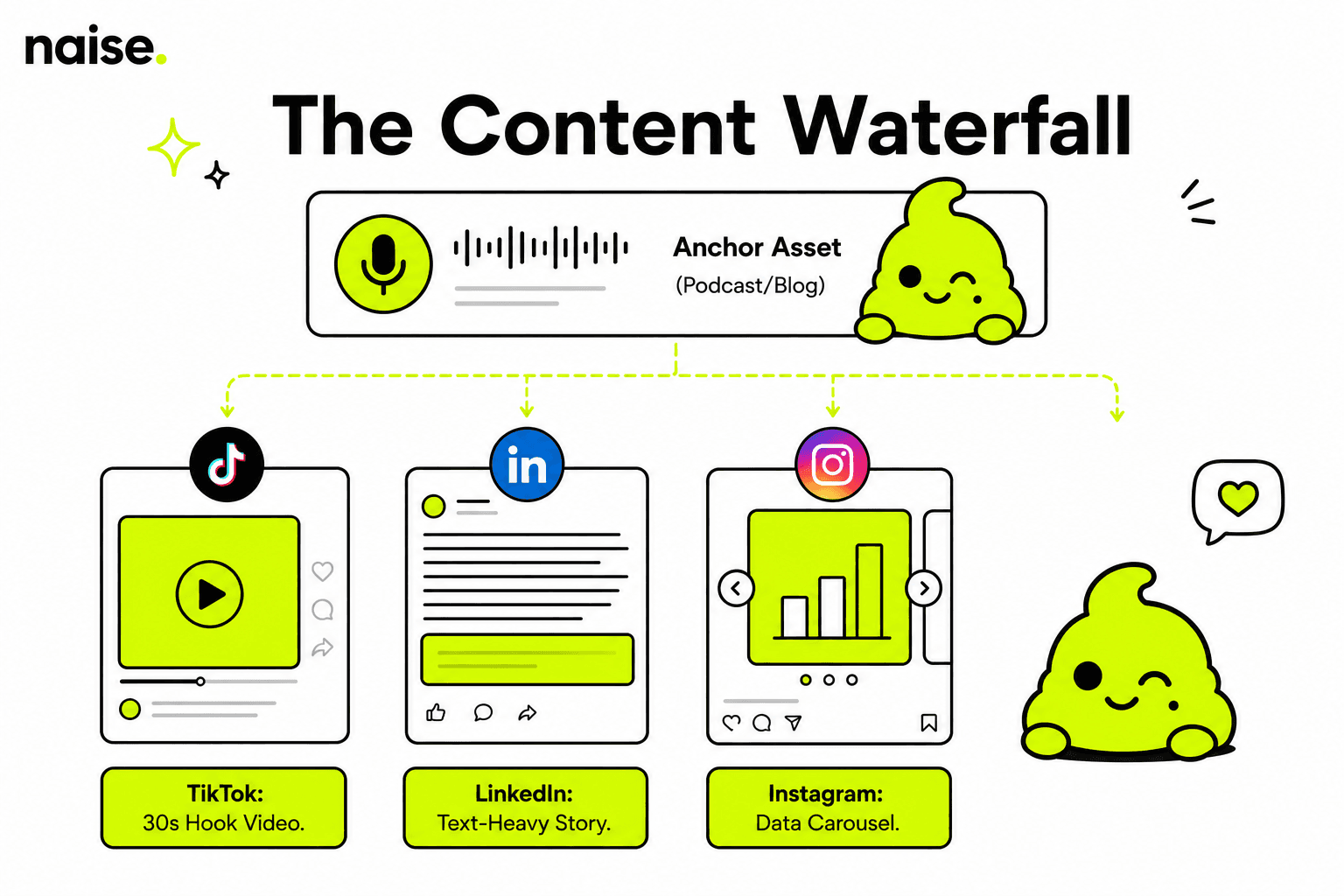
Instead, employ the Content Waterfall strategy. You create one high-value anchor asset (like a podcast or a deep-dive blog). You then slice that asset into platform-native pieces.
A 30-second polarizing clip goes to TikTok.
A carousel summarizing the data goes to Instagram.
A text-only story goes to LinkedIn.
Surviving Approvals and Real-World Bottlenecks
Design your calendar to account for realistic revision cycles, stakeholder sign-offs, and sudden high-volume campaign spikes.
Calendars often assume a robotic, daily publishing schedule. This fails to account for the natural high-volume spikes of a product launch and the low-volume maintenance phases of evergreen marketing. You must build buffer days into your workflow.
Collaborative friction kills momentum faster than bad copy. You need a centralized place to manage asset handoffs and clear approval statuses. If stakeholders cannot approve content in one click, your publishing schedule will always fall behind.
Integrating AI Without the Slop
Modern teams use AI to eliminate the blank page syndrome, brainstorm angles, and format native platform copy instantly.
AI is no longer optional for maintaining a competitive publishing velocity. Marketers use AI writing tools to brainstorm hooks and draft variations. The problem arises when you rely on generic chatbots that lack your specific brand context.
Generic AI outputs predictable, robotic text. You end up spending more time editing the output than you would have spent writing it from scratch. You need persistent memory to ensure your Brand Voice remains intact across every single draft.
Fragmented Stack vs All-in-One Execution
Executing an Automated Social Media Calendar Strategy with Naise AI
Naise AI centralizes your entire workflow from uploading brand context to autonomous scheduling, eliminating manual grunt work entirely.
Building an automated social media calendar strategy is simple when you have the right teammate. Naise AI removes the friction between strategy and execution. You stop acting as a human router for copy and pasting.
Here is exactly how you execute a month of content in minutes:
Step 1: Upload your brand guidelines, past successful posts, and target audience data into Projects (The Brain). The AI will never forget your tone of voice.
Step 2: Open Naise Chat in your Dashboard and select the "Monthly Content Waterfall" Playbook.
Step 3: The AI generates a full calendar of platform-native posts tailored for TikTok, LinkedIn, and Instagram.
Step 4: Review the drafts, click approve, and let the SMM Agent (The Muscle) schedule and publish everything autonomously.
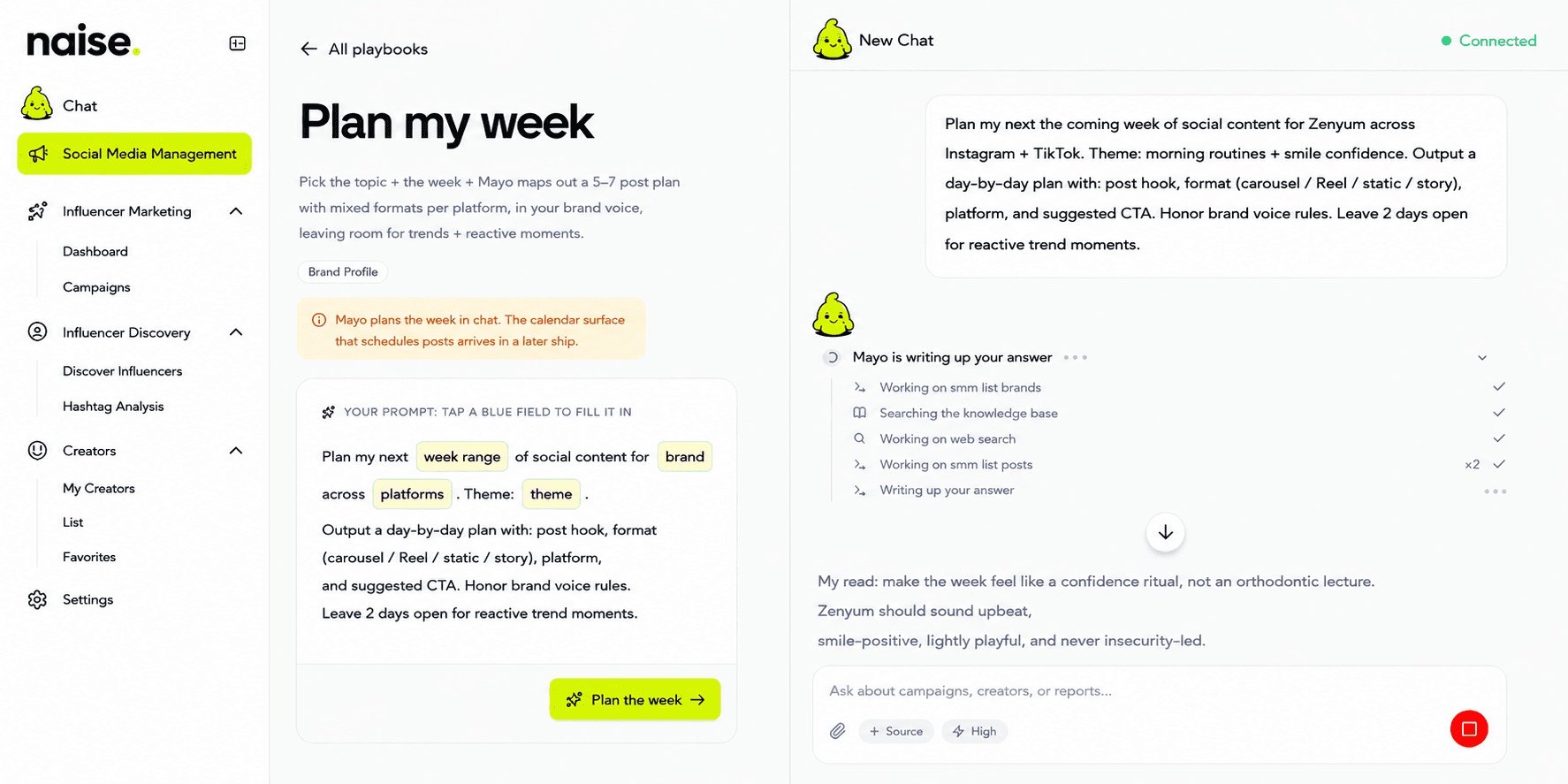
Stop letting your creative team drown in administrative tasks and fragmented tool stacks. An automated social media calendar strategy gives you the freedom to focus on high-level growth while the grunt work handles itself.
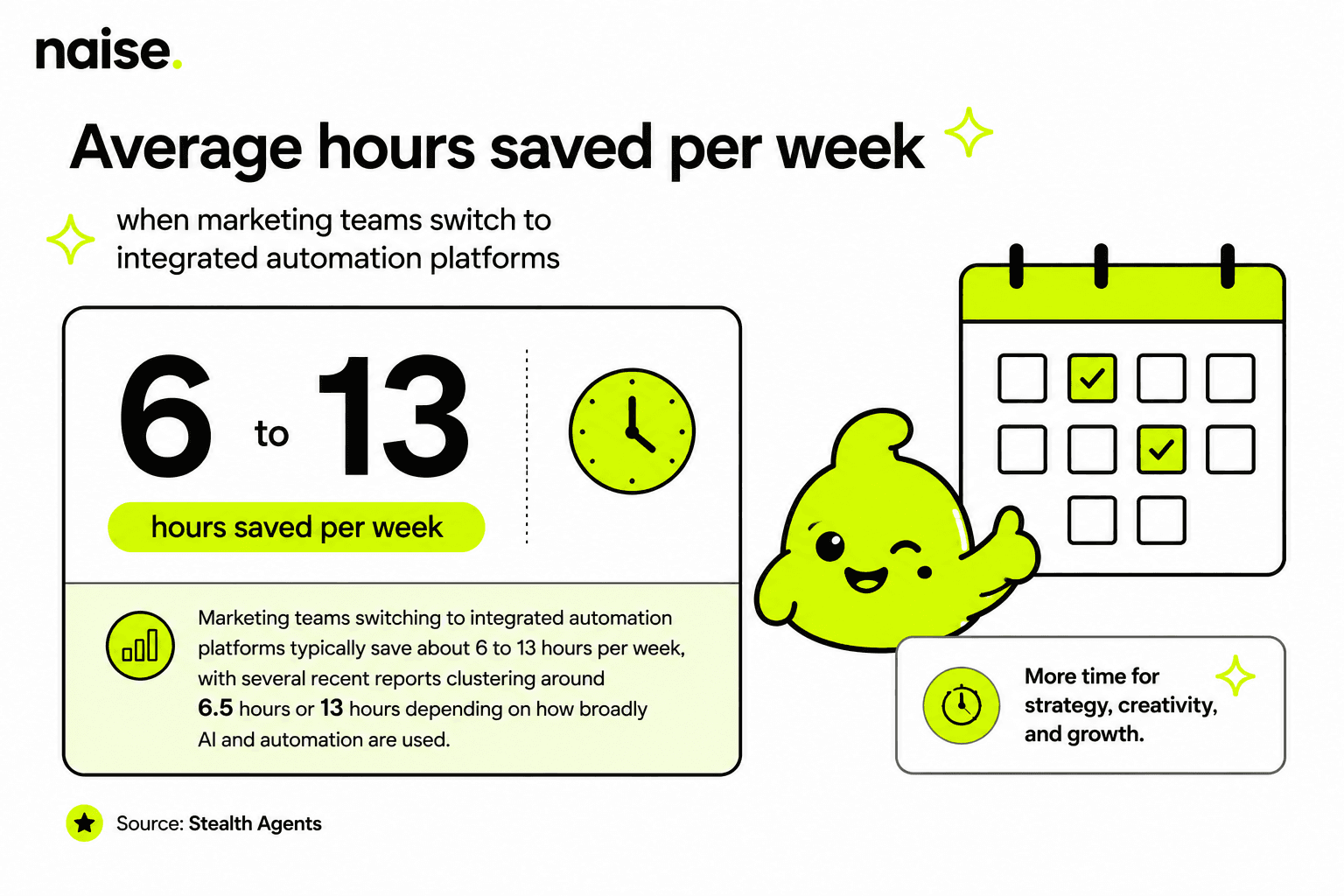
Ready to clock out on time and let the AI overthink the strategy? Claim your free 60-second URL audit today and see exactly how Naise AI can transform your brand's digital presence instantly.
Frequently Asked Questions (FAQs)
Q: What makes a social media calendar truly agile?
An agile calendar adapts to real-time trends and campaign spikes rather than forcing a rigid daily posting quota. It uses centralized workflows to speed up approvals and relies on automation to push content live without manual data entry.
Q: How do you maintain brand voice when automating content?
You must use an AI tool with persistent memory capabilities. By uploading your brand guidelines into a system like Projects within Naise AI, the autonomous agents reference your specific rules, banned words, and tone for every single post.
Q: Why is the Content Waterfall method important for calendars?
The Content Waterfall prevents creative burnout by maximizing the value of a single idea. Instead of writing thirty unique posts from scratch, you create one strong anchor asset and format it into smaller, platform-specific pieces tailored for different audience behaviors.