The days of waiting weeks for a freelance animator to deliver a 15-second social clip are over. If you want to know how marketers can create premium motion graphics with AI tools, the answer lies in a new class of prompt-to-motion software. This guide breaks down the exact workflow to generate on-brand, high-converting motion graphics without touching complex timeline editors like After Effects.
The Shift from Keyframes to Prompts
In 2026, AI motion graphics tools have evolved from generic templates to prompt-driven engines that generate on-brand typography, layout, and movement simply from a text description.
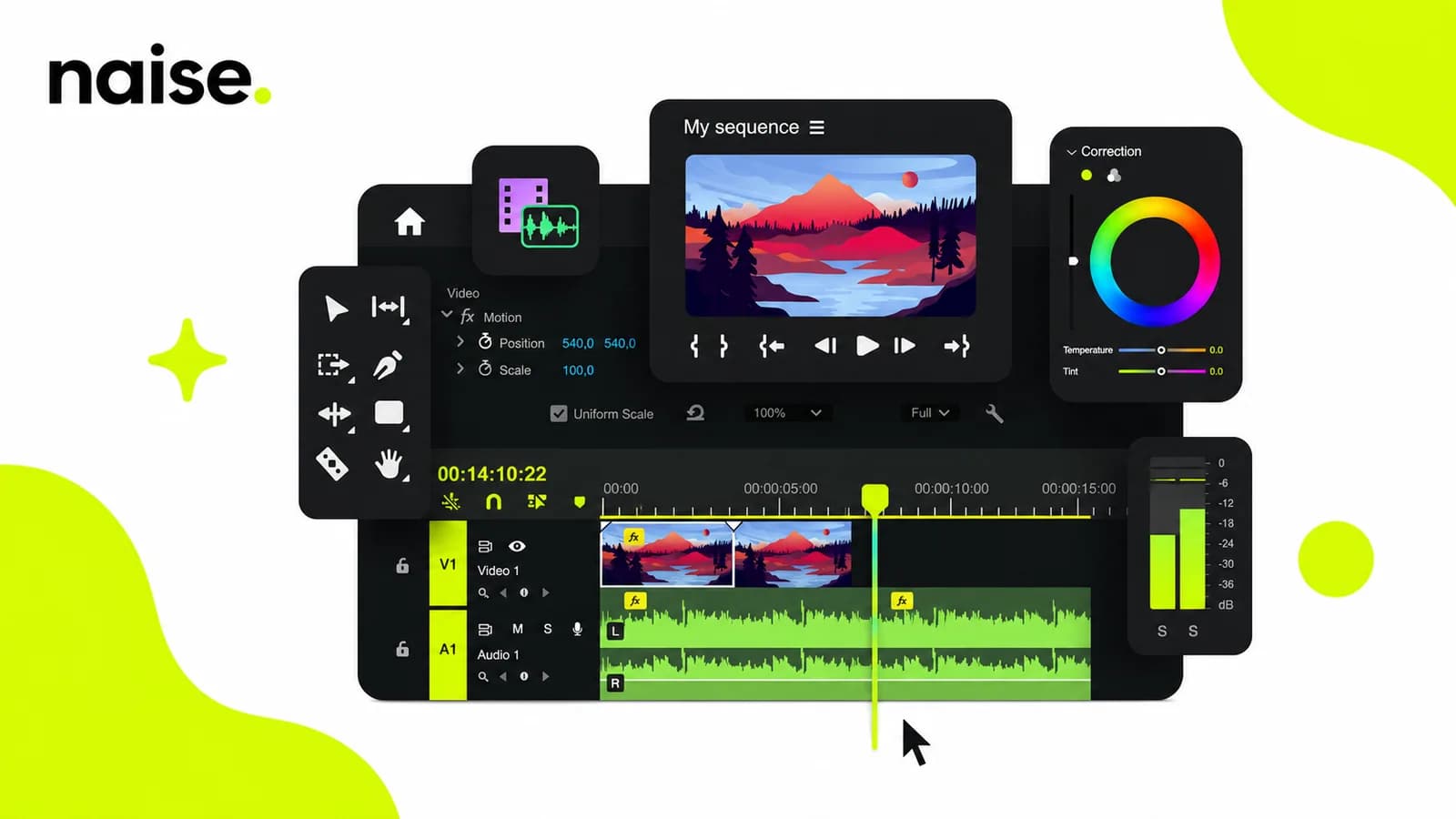
For years, marketing teams faced a massive bottleneck when it came to video content. If you needed a sleek product demo, a logo reveal, or a data visualization for a LinkedIn ad, you had two choices: pay a premium for a motion designer using After Effects, or settle for generic, rigid templates in tools like Canva.
The landscape has entirely shifted. The introduction of prompt-to-motion AI tools means you are no longer animating elements frame-by-frame on a timeline. Instead, you are describing the desired outcome. You tell the AI the hook, the brand colors, and the pacing, and it generates the MP4.
This isn't about generating hyper-realistic cinematic footage—tools like Runway or Google Veo handle that. This is about precise, on-brand graphic design in motion. It is about creating the polished, text-heavy assets that actually convert in paid social campaigns.
Recent data shows social ads using custom motion graphics deliver 40–157% higher engagement than static images in Q2 2026, with Instagram Reels ads achieving 41% higher CTR and cinemagraphs lifting CTR by 63% (3.1% vs. 1.9% baseline).
The 4-Step Prompting Framework
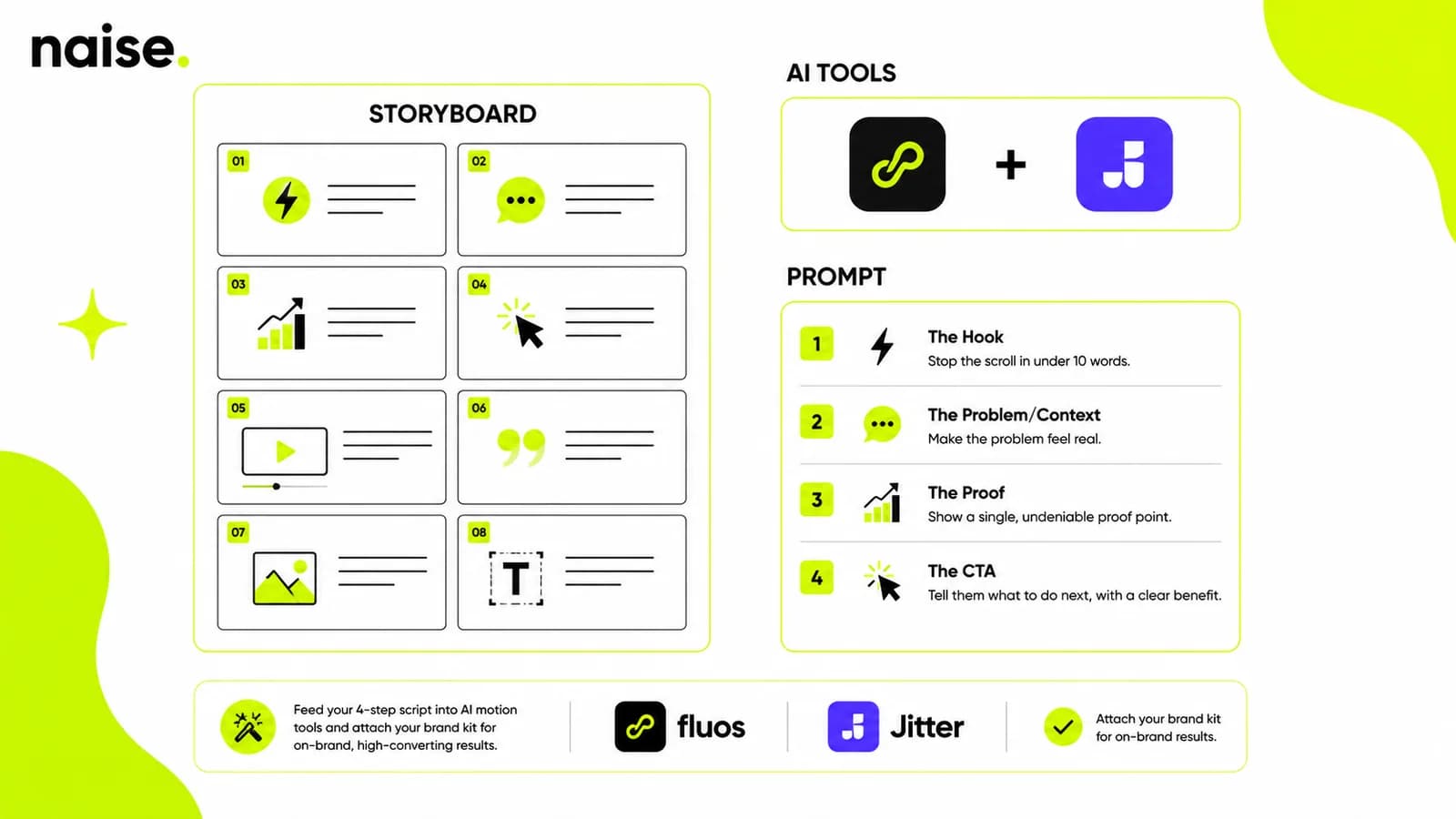
Creating effective AI motion graphics requires a structured four-part prompt: a scroll-stopping hook, a relatable problem/context statement, undeniable proof, and a clear call to action.
You cannot simply type "make a cool video" and expect a high-converting ad. The AI needs a structured narrative. The most successful marketing teams treat their motion graphics prompts like a miniature landing page, broken down into four specific beats.
The Hook: This must stop the scroll. It should name a specific pain point or desired result in under ten words. (e.g., "Still editing every ad by hand?")
The Problem/Context: Make the hook feel real. Why does this problem matter right now? (e.g., "Your creative pipeline is too slow to test winning angles.")
The Proof: Insert a single, undeniable metric or credibility marker. (e.g., "Join 10,000+ marketers shipping faster.")
The CTA: Tell them exactly what to do next, phrased as a benefit. (e.g., "Start your free workflow audit today.")
Once you have this script locked in, you feed it into a prompt-to-motion tool like fluos or a timeline-assisted tool like Jitter, ensuring your brand kit is attached so the AI uses your exact fonts and colors.
Knowing Which Tool to Use (And When)
Choose your tool based on the job: use fluos for prompt-driven branded motion, Jitter for UI animation, Runway for cinematic b-roll, and After Effects only for frame-perfect broadcast control.
The biggest mistake marketers make is using the wrong AI model for the job. You cannot use a cinematic video generator to make a precise text-overlay ad, and you shouldn't use a heavy compositor for a quick TikTok clip.
If you need cinematic, highly realistic b-roll footage of a product in a lifestyle setting, you use Google Veo or Sora. If you need to show a software UI being clicked and navigated, you use a timeline tool like Jitter. If you need an explainer video led by a human presenter, you use an avatar tool like HeyGen.
However, if your goal is pure marketing motion—kinetic typography, animated brand assets, and structured ad creatives—you need a dedicated prompt-to-motion tool that understands graphic design principles, not just video generation.
The barrier to entry for premium motion graphics has been completely erased. Marketers no longer need to rely on expensive external agencies or learn complex timeline software just to test a new ad angle. By understanding the core frameworks of AI generation, you can produce high-quality visual content at scale. Stop letting your team drown in manual design work and fragmented tools. Let our technology handle the heavy lifting of campaign creation so you can focus on the overarching growth strategy.
FAQs
What is the best AI tool for motion graphics?
There is no single best tool; it depends on the job. For prompt-driven marketing graphics, tools like fluos excel. For cinematic video generation, Runway or Google Veo are best, while HeyGen is ideal for avatar-led explainers.
Can AI replace After Effects?
For most daily marketing tasks, like social media ads and logo reveals, AI prompt-to-motion tools can replace the need for After Effects. However, After Effects remains the industry standard for broadcast-grade, frame-perfect professional control.
How do marketers make AI video ads?
Marketers create AI video ads by breaking their script into four parts: a hook, a problem statement, proof, and a call to action. They then feed this structured prompt into an AI motion graphics generator, ensuring their specific brand fonts and colors are applied.
Does AI motion graphics work for social media?
Yes, AI motion graphics are highly effective for social media. They allow lean marketing teams to quickly generate dynamic, text-heavy videos that capture attention and increase engagement rates without the bottleneck of traditional manual animation.